
For writers · Reviewers · Mac app curators
Nexus Shell media kit
Official product facts, original images and review starting points for writers covering Mac developer tools. No account is needed to read this page or download the assets.
Prepared by the Nexus Shell team · Updated September 29, 2026
Download the media kit ZIP — English and Chinese fact sheets, the app icon, two original screenshots and a file manifest. Videos are linked separately to keep the package small. 中文产品资料 · File sizes and SHA-256 checksums
Product in one sentence
Nexus Shell is a native macOS SSH workspace that brings server connections, terminal tabs, SFTP file work, Docker management and monitoring into one app for Apple Silicon Macs.
Short description
For people who manage Linux servers from a Mac, Nexus Shell keeps terminal and file tasks in the same native workspace. Save connections, use terminal tabs, edit remote files and inspect Docker workloads. The website and Homebrew edition also offers an optional Agent Bridge for local MCP clients. Basic SSH is free for personal, non-commercial use; SFTP, Docker and monitoring require Pro or an eligible trial.
Facts to check before publishing
- Name: Nexus Shell. The China App Store listing identifies its provider as 娟 肖; see the official listing for the current regional seller information.
- Platform: macOS 14.2 or later, Apple Silicon only. No Intel, Windows, Linux or iOS client is offered here.
- Website / Homebrew release checked September 29, 2026: v1.7.7. Use the live release manifest and release notes for the current version. The screenshot version is identified separately below.
- Website Pro: lifetime purchase only, managed with a Nexus Shell account. Eligible new website accounts receive a one-time seven-day Pro trial without a card or automatic charge. Current website price and terms.
- Mac App Store Pro: lifetime purchase or an auto-renewing annual subscription, managed through Apple without a Nexus Shell account. Eligible new subscribers may receive a seven-day trial; renewal and cancellation terms appear in the purchase sheet. Official App Store listing.
- Current channel prices differ. Website lifetime pricing is planned to align with App Store lifetime pricing; no new amount or effective date is announced here. Check the channel, currency and region at publication time.
- Agent Bridge is available in website / Homebrew builds and absent from the App Store edition. Purchases and data are managed separately; connection profiles do not migrate automatically. See the edition notes.
- The app is not open source. The public GitHub repository provides releases, documentation and issue reporting. Read the privacy policy and terms for the full conditions.
Original app images
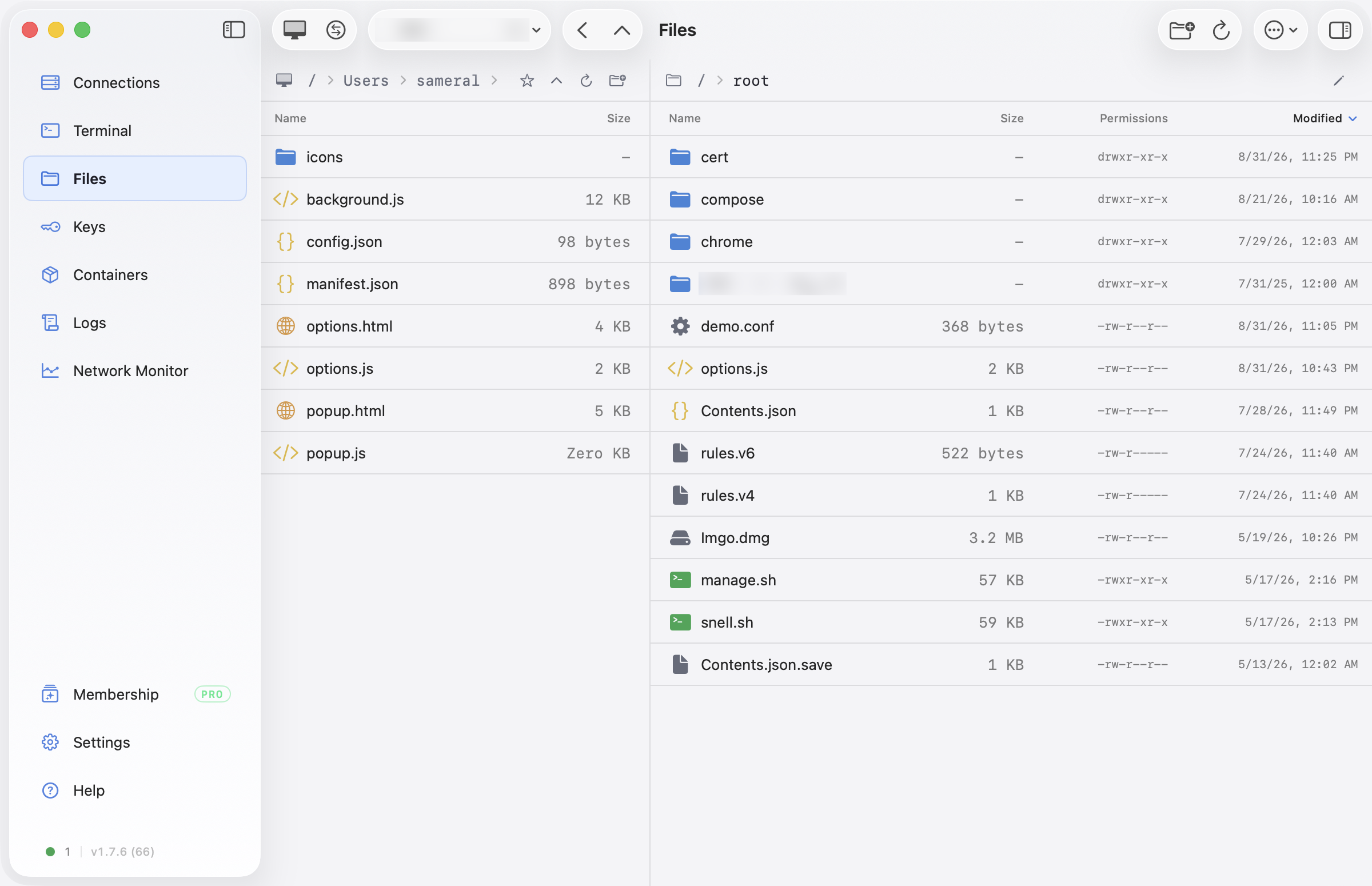
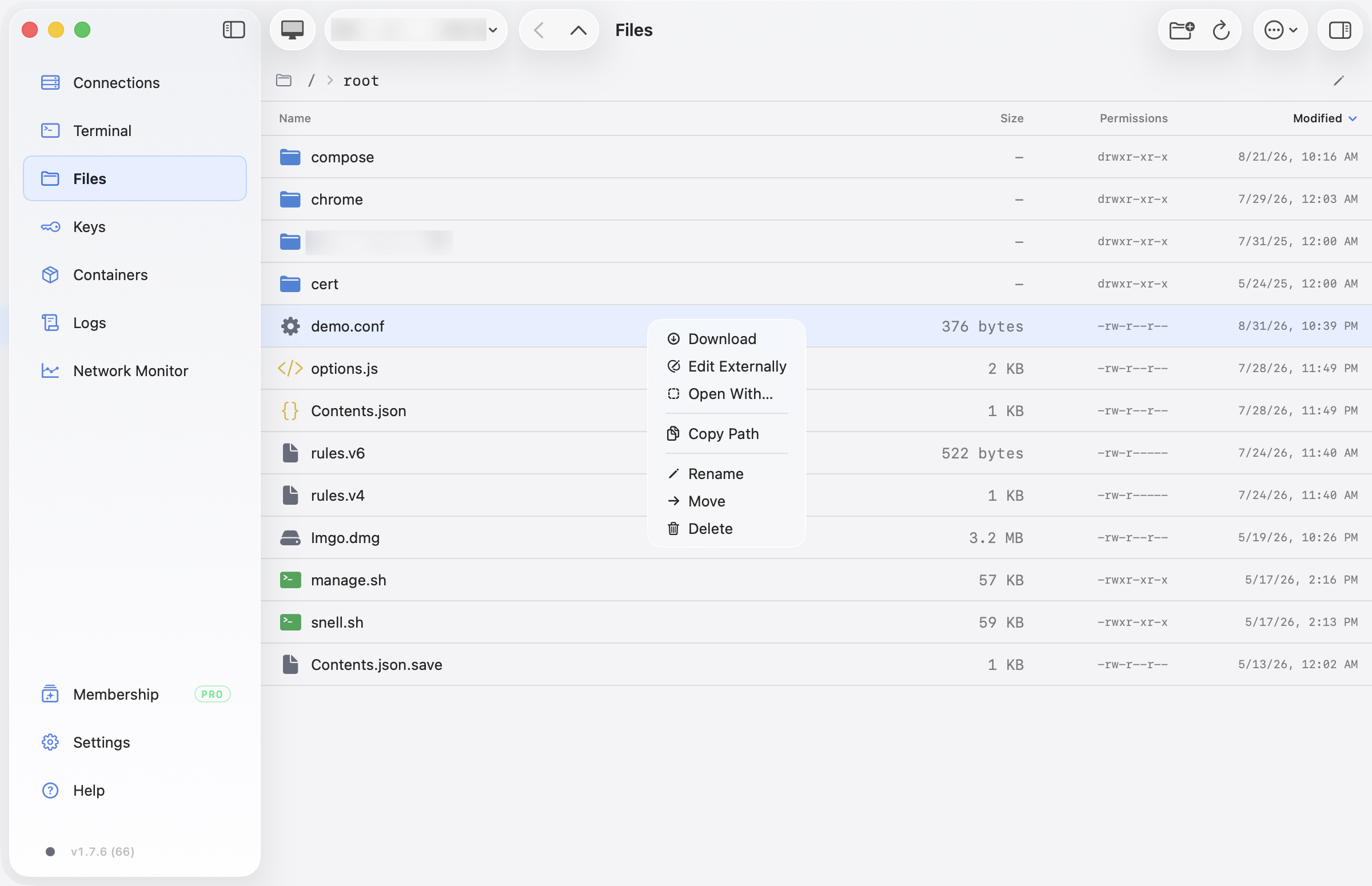
These are existing official app captures, not images generated for this kit. Both screenshots visibly show v1.7.6 (build 66); they illustrate the file workflow and are not claimed to be new v1.7.7 captures or App Store screenshots. Keep that context with the images. The current website / Homebrew release is listed above.
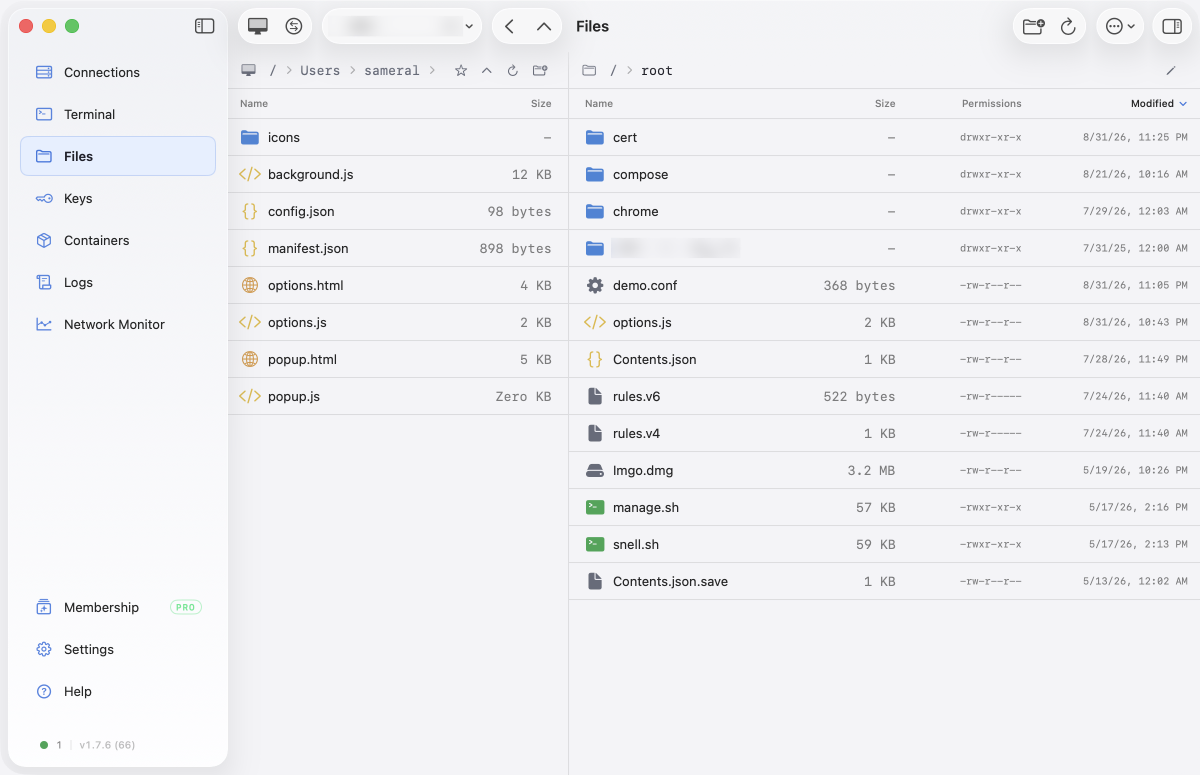
Download dual-pane Files — original PNG, 2400 × 1550. The two panes show the Mac and one remote server, not two remote servers.
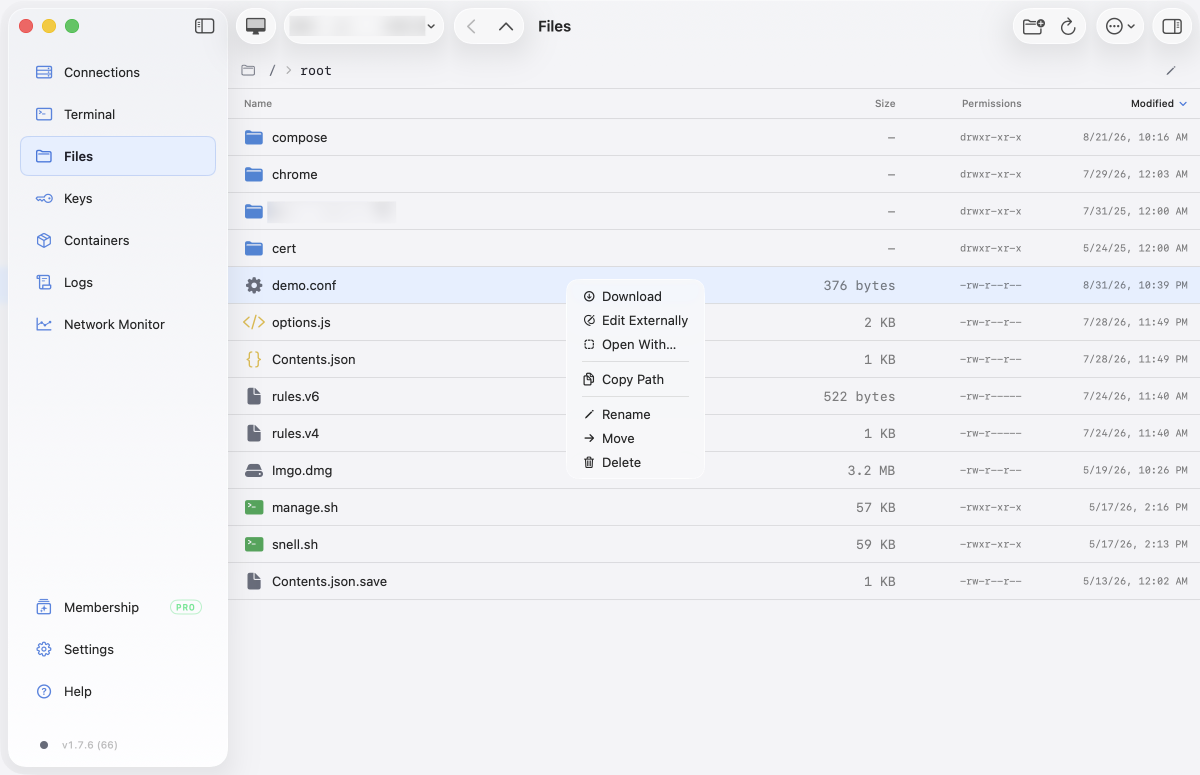
Download external editor menu — original PNG, 2400 × 1550. Editing and write-back depend on server permissions and the edition's transfer engine.
Download app icon — PNG, 512 × 512. Credit product images to Nexus Shell; avoid presenting supplied assets as your own independent test results.

Promotional video and scene summary
English MP4 · Chinese MP4 · English poster · Chinese poster


The roughly 81-second promotional film illustrates the product with the website's animated interface. It is not a recording of a live server session or evidence of benchmark results. The following text describes its scenes without requiring video playback:
- Connections: saved servers and resource monitoring.
- Terminal and AI: a terminal task with a suggested explanation for an error. Review commands before execution; AI results depend on the configured provider.
- Files: a local/remote file workspace and a transfer queue.
- SSH keys: key creation and fingerprint information.
- Containers: Docker and Compose operations.
- Session logs: searching and replaying session activity.
- Network monitor: link measurements and trends.
The film is an overview, not a promise that every feature is free or that every edition has the same capabilities. For a review, identify the edition and app version you actually tested.
Three useful review tasks
- A small server file change: connect to a non-critical server you control, edit a disposable file, and verify the result remotely. SFTP editing walkthrough and write-back limits.
- An existing Docker service: inspect state and bounded logs before making a change. The SSH workflow does not need Docker Desktop on the Mac, but needs Docker access on the server. Remote Docker walkthrough.
- A local agent's first server task: use the website edition, enable Agent Bridge, approve the client, run a bounded check and inspect the visible result. Saved passwords/private keys are not returned by Bridge, but host information and command output reach the agent. Agent Bridge workflow and boundaries.
For a fair comparison, use the same account permissions and task on each client. Nexus Shell does not provide terminal split panes, a WinSCP session importer or remote-to-remote dual-pane copying. Do not use customer systems, publish real credentials or describe a successful file copy as a security audit.
Contact and download
Contact the developer for factual corrections or editorial questions. This kit does not create a review-license, affiliate or sponsorship offer. There is no requirement to submit a draft or provide positive coverage.
Download Nexus Shell and check current Pro pricing · Public releases and issues